
Click on image to view larger
Coloring Practice
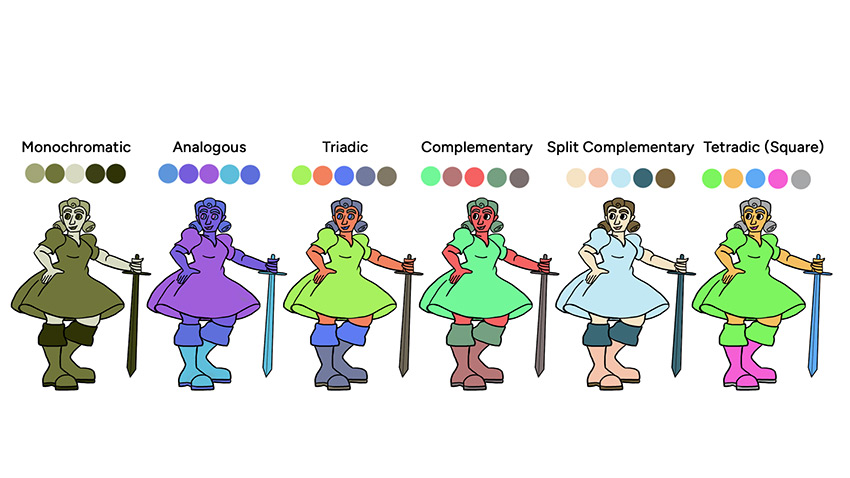
The first assignment from this class, in which we experimented with 6 different color schemes (Monochromatic, Analogous, Triadic, Complementary, Split-Complementary, and Tetradic/Square) and then we apply all of them into Adobe Photoshop by using the Brush Tool to color a character 6 times (one for each color scheme).
Click on image to view larger
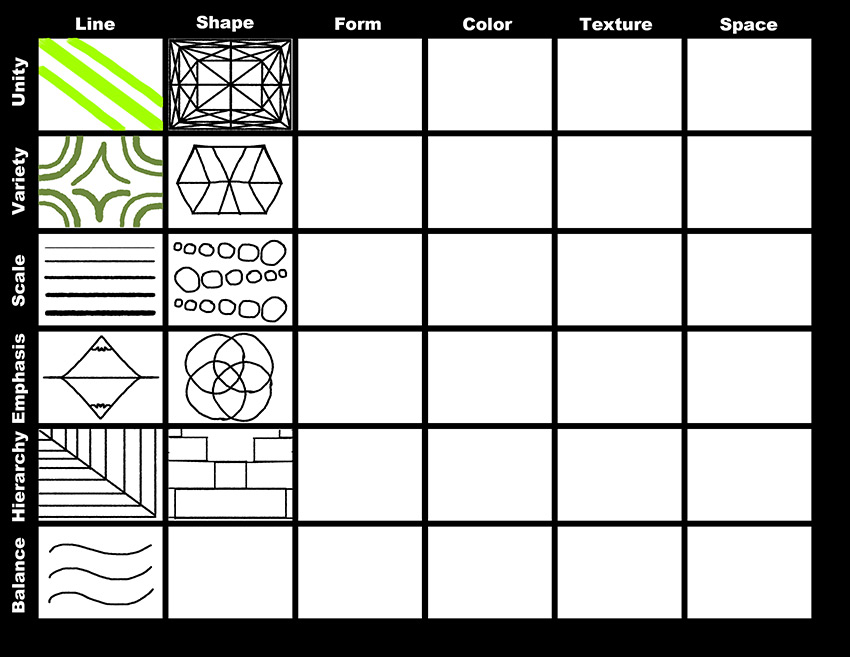
Design Grid
Students will start to apply the 6 elements and principles of design on Adobe Photoshop by using a grid. The 6 principles of design are Balance, Hierarchy, Emphasis, Scale, Variety, and Unity. On the other hand, the 6 elements of design are, Line, Shape, Texture, Form, Color, and Space.
Click on image to view larger
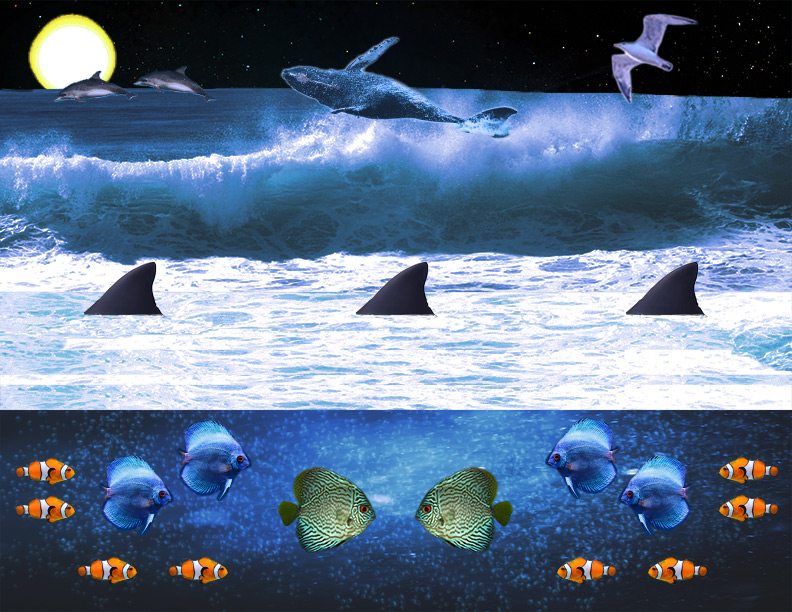
A Day in Atlantis
In this assignment, students will construct a collage that shows subjects engaging in some activity from both above and below the water. When you make selections and masks, they must be clean with no halos on your edges. An important tip for this assignment is to use brush layers to match or fake lighting and shadow. You can also use adjustment layers to match the colors of your subjects being underwater, and other objects above the water. In other words, there must be 10 subjects in your collage (5 above and 5 below the water).
Click on image to view larger
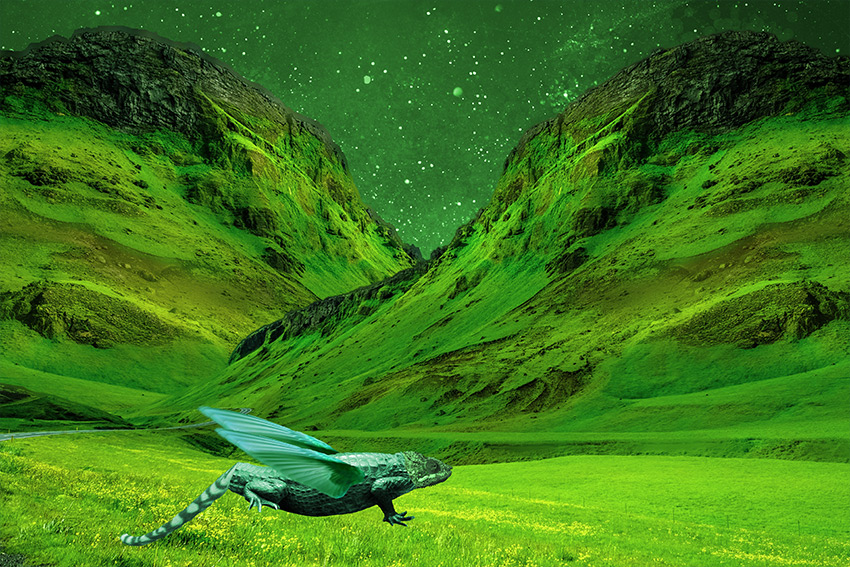
Creative Creature
Students will select 2 or more animals of their choice to create a magnificent chimera on Adobe Photoshop by using the tools and techniques from this class. In order to construct a chimera, they will need to master the following skills:
- Selection and Masking (Lasso, Quick Selection, “Select Subject”, Refine Edge)
- Color Matching using Adjustment Layers (Color Balance, Curves)
- Lighting using Adjustment Layers (Brightness and Contrast, Levels)
- Transformation (Warp, Free Transform)
- Clean Plating (Clone Stamp, Content Aware Fill, Patch)
Click on image to view larger
Business Card
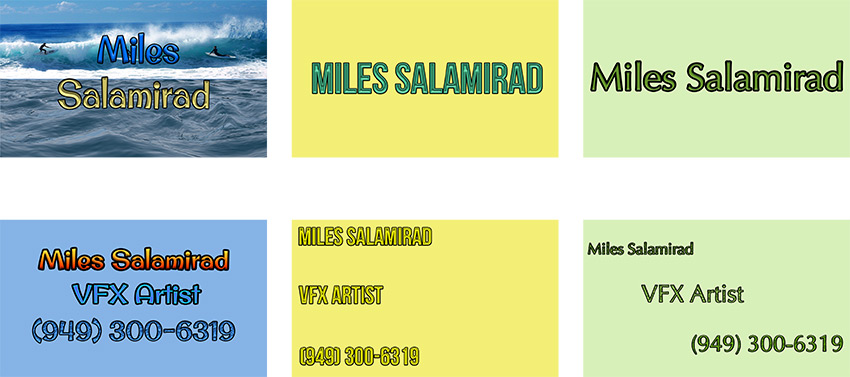
A project on Adobe Photoshop, in which students will learn the basic fundamentals typography and tools to construct 3 business cards. Students will also know the principles of design in addition to creating a batch of business cards. The key to this assignment is to flourish your creativity and ideas when it comes to constructing business cards.
Click on image to view larger
Logo Design
A project on Adobe Photoshop, in which students design their logos from various companies across the world like Rovio Entertainment. Students will select two fonts and create a palette of 3 colors that exemplifies the color schemes to strengthen their logos. As stated previously, students are expected to know the principles of design.
Click on image to view larger
Zine
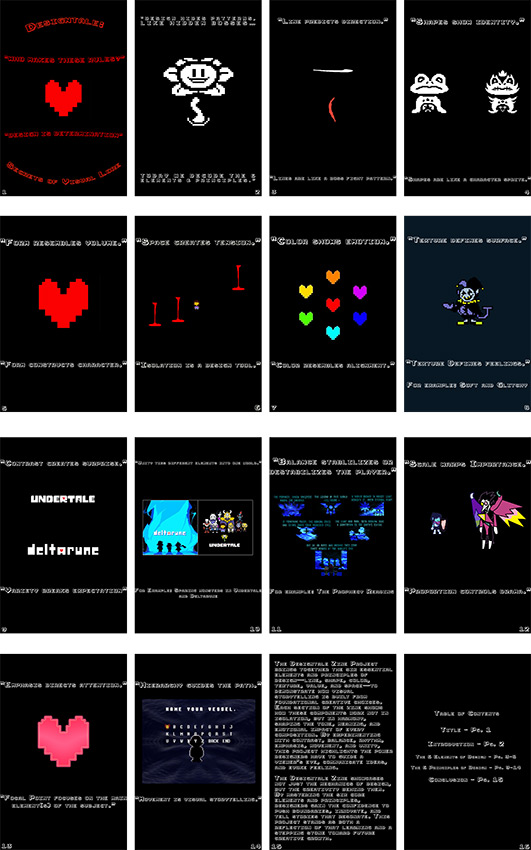
The final assignment from this class, in which students are expected to know all the material they have learned throughout the trimester in order to create a 15-page zine (a miniaturized magazine) on Adobe Photoshop that explains the 6 elements and principles of design, plus a front cover, back cover and table of contents. My zine project I decided to create was about Toby Fox, an independent indie game developer that was known for officially making the Indie-RPGs Undertale and Deltarune.